
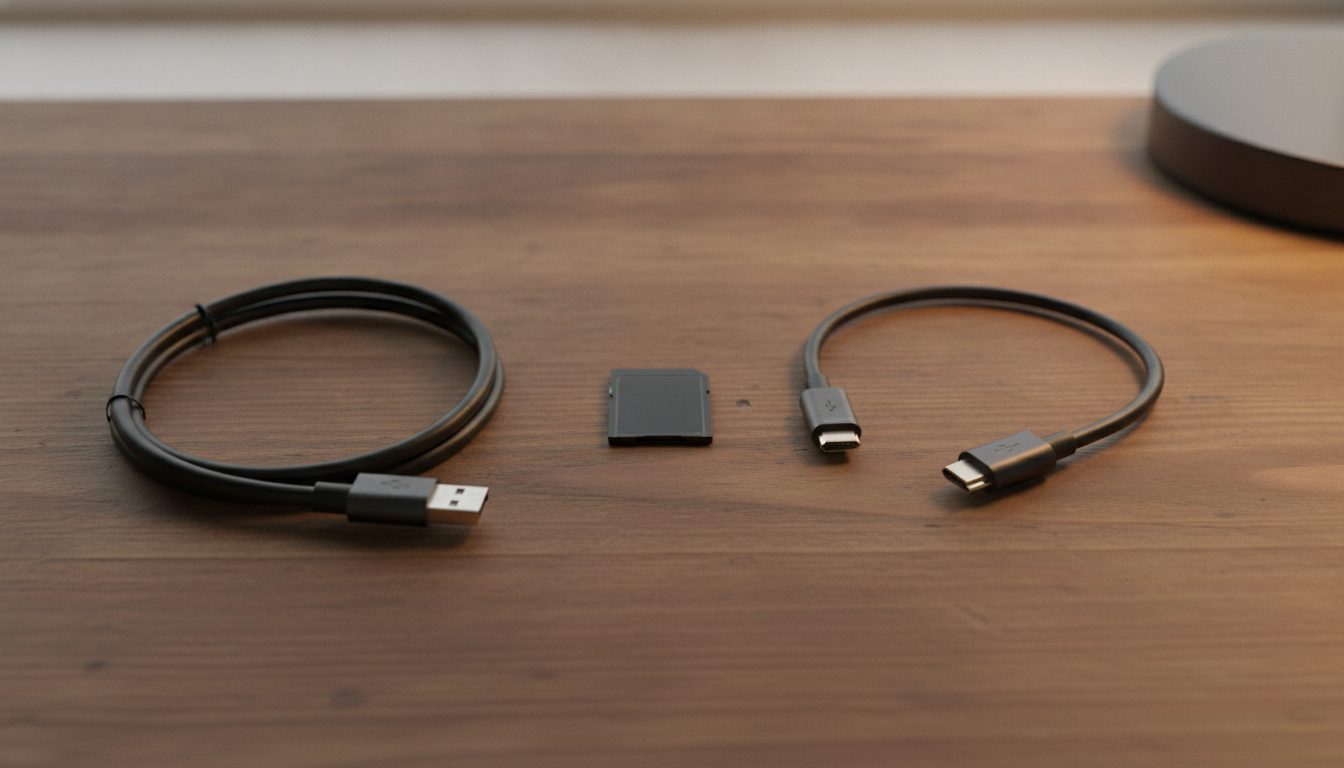
Quick Answer: A Raspberry Pi starter kit has to include five things: the board, a power supply matched to the model, a microSD card with an operating system on it, a display cable that fits the board's HDMI port, and a keyboard, mouse and monitor. As of October 2026 Raspberry Pi recommends a card of at least 32 GB for Raspberry Pi OS with the desktop. A case, extra cooling and sensor packs are optional.
A kit is a shopping list that someone else has filled in. Some cover the whole list, and many add parts you will never use. This post sets out what a Raspberry Pi needs, what is optional, and how to check a kit. If you are still deciding whether the board suits your project, start with what a Raspberry Pi is.
What does a Raspberry Pi starter kit need to include?
It needs the five parts in the table below. The figures were checked in October 2026 against the Raspberry Pi documentation source and the live getting started page.
| Part | What to check |
|---|---|
| Power supply | Pi 5: 5 V at 5 A, official 27 W USB-C supply. Pi 4 Model B: 5 V at 3 A, 15 W USB-C. Zero models: 5 V at 2.5 A, 12.5 W micro USB |
| microSD card | At least 32 GB for Raspberry Pi OS or Raspberry Pi OS Full, at least 8 GB for Raspberry Pi OS Lite |
| Display cable | Micro-HDMI to HDMI for Pi 4B, 400, 5, 500 and 500+. Mini-HDMI to HDMI for Zero models |
| Keyboard, mouse, monitor | Or a headless setup: another computer and a network connection |
| Card reader | Needed if your computer has no microSD slot, to write the operating system |
Two details catch buyers out. On a Pi 5, a 3 A supply restricts USB peripherals to 600 mA, so the 5 A supply matters if you plan to attach a drive. And a Zero uses micro USB, so it needs an OTG adapter, and the documentation says it cannot power a keyboard and a mouse together without a powered hub.
Which parts of a kit are optional?
A case, an Ethernet cable and anything for GPIO projects are optional. The documentation says a case protects the board from damage or a short circuit if it sits on a metal surface. You do not need Ethernet if you connect over Wi-Fi.
Cooling is the part kits sell hardest. The documentation says built-in throttling means heatsinks are not necessary to prevent overheating damage, though a heatsink or small fan can reduce throttling. See whether a Raspberry Pi 4 needs a fan for the older board. Sensor packs, breadboards and LED sets belong to a project, so add them when a project needs them.
How do Raspberry Pi 5 kits and Raspberry Pi 4 kits differ?
The board and the power supply differ. A Raspberry Pi 5 kit needs the 5 A supply and a micro-HDMI cable. A Raspberry Pi 4 kit needs a 3 A supply and also uses micro-HDMI.
Raspberry Pi's Pi 5 product brief, published October 2026, gives list prices by memory size: $45 for 1GB, $77.50 for 2GB, $110 for 4GB, $175 for 8GB and $305 for 16GB. The memory you choose therefore moves the board price by $260 between the smallest and largest option. Our Raspberry Pi 4 RAM guide helps with sizing, and Pi 5 versus Pi 4 compares the boards.
What comes in a Raspberry Pi desktop kit?
A desktop kit is a Raspberry Pi bundled for use at a desk. In October 2026 the official products page lists the Raspberry Pi 500 Desktop Kit, the Raspberry Pi 400 Personal Computer Kit and the Raspberry Pi 4 Desktop Kit, with no price shown. The documentation says the Pi 500 and some desktop kits come with a microSD card already loaded with Raspberry Pi OS, and it still recommends updating that system to the latest version.
If your kit has no preloaded card, you write the operating system with Raspberry Pi Imager on another computer. Imager is Raspberry Pi's tool for writing an operating system to a card, and it can preset your username and remote access settings. Our guide to formatting a Raspberry Pi SD card covers the card, creating an SD card image covers backups, and Raspberry Pi power requirements covers supplies.
When is a ready-made kit the wrong choice?
A kit is the wrong choice when you already own most of the list. A spare monitor, keyboard and mouse make a bare board, a power supply and a card enough. It is also wrong when the kit's board is not the model your project needs, because it is hard to fix the board once the rest is bought.
Check every kit against the table before you buy, and add any part it omits. This site does not rank kit brands or link shops.
Frequently asked questions
What is in a Raspberry Pi starter kit?
A kit should hold the board, a matching power supply, a microSD card and a display cable. Many add a case, and some add a keyboard and mouse. Contents vary by seller, so compare the box against the parts listed above.
Do I need to buy a microSD card separately?
Only if the kit lacks one. A bare board has no operating system. The Pi 500 and some official desktop kits come with a card preloaded with Raspberry Pi OS, according to the documentation.
What size microSD card do I need?
As of October 2026 Raspberry Pi recommends at least 32 GB for Raspberry Pi OS and Raspberry Pi OS Full, and at least 8 GB for Raspberry Pi OS Lite. It suggests choosing more than the minimum.
Which power supply does a Raspberry Pi 5 need?
The Pi 5 product brief lists 5 V at 5 A over USB-C, and Raspberry Pi recommends its 27 W USB-C supply. On a 3 A supply the board limits USB peripherals to 600 mA, so a weaker supply can run the board but may not run power-hungry accessories.
Can I use a Raspberry Pi without a monitor?
Yes. A headless setup needs only another computer and a network connection. You preset the remote access settings when you write the card with Imager.
What is the best Raspberry Pi kit?
There is no single best kit. The right one matches your board, includes every part in the table and has no extras you will not use. Check each kit against the list.
Is a Raspberry Pi 5 kit or a Raspberry Pi 4 kit the better buy?
Buy the board your project needs and build the kit around it. Raspberry Pi's brief puts Pi 5 CPU performance at two to three times the Pi 4, with a bigger supply and a price that depends on memory size.