
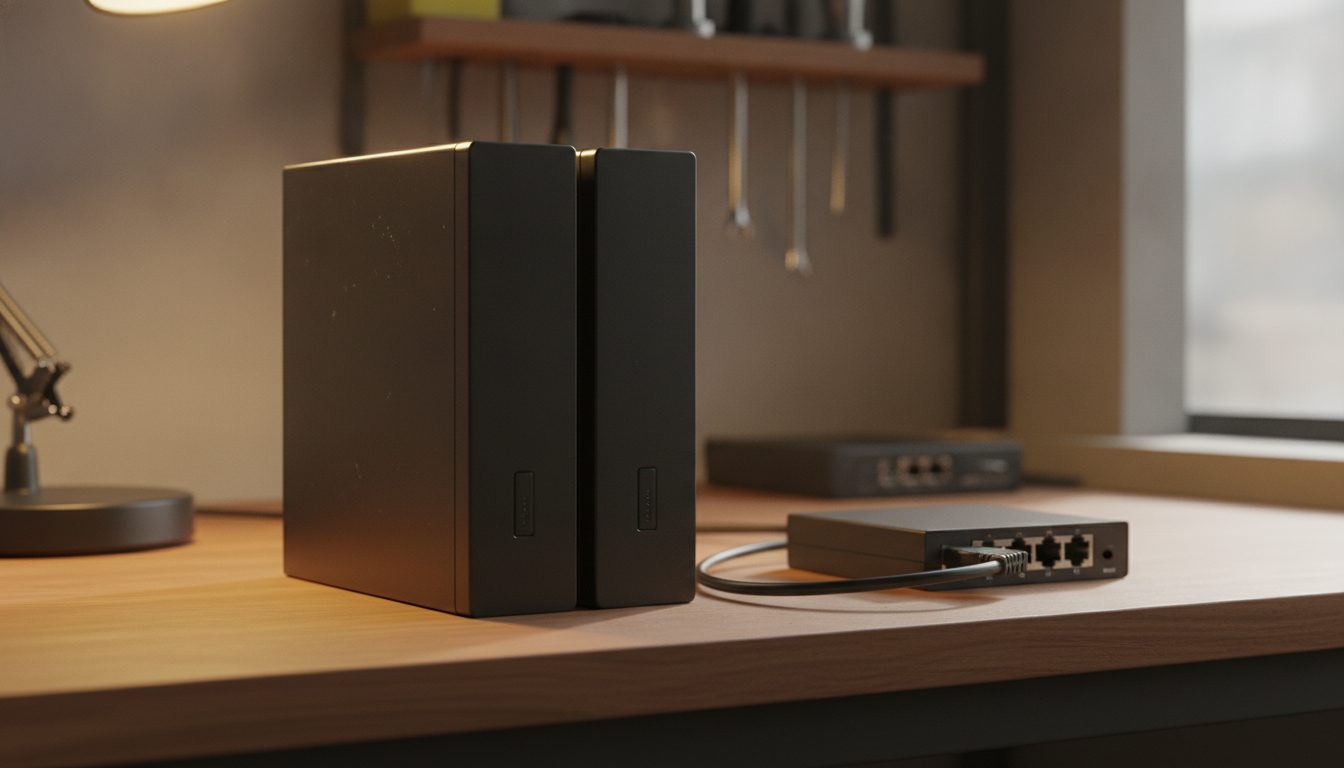
Quick Answer: A Raspberry Pi can work as a small home NAS: a Pi, one or more drives, and software such as OpenMediaVault or Samba that shares files over your network. The limits are real. A Pi 4 or Pi 5 has Gigabit Ethernet, one drive is one point of failure, and RAID is not a backup. As of October 2026 OpenMediaVault lists 1GiB of RAM as its minimum and 4GiB as best.
A NAS, or network attached storage, is a drive that lives on your network so every device at home can reach the same files. A Pi can do that job for a family's documents, photos and media at low cost. This guide covers the parts, the software and the limits, and links to our step-by-step posts for each stage, starting with setting up OpenMediaVault on a Raspberry Pi.
What do you need to build a Raspberry Pi NAS?
You need a Pi, a power supply, a microSD card for the system, storage for the files and a network cable. The OpenMediaVault prerequisites page, read in October 2026, says it can run on any small device such as a Raspberry Pi or Banana Pi board. For heavier use, pick a model with more memory.
Storage is the main decision. The table shows the routes and where each is documented. Speeds are the maker's figures, not measured results.
| Storage route | How it connects | What the maker says (October 2026) |
|---|---|---|
| USB hard drive or SSD | USB port | Raspberry Pi 5 has two USB 3.0 ports supporting simultaneous 5Gbps operation |
| NVMe SSD on a Pi 5 | M.2 HAT+ on the PCIe connector | Single-lane PCIe 2.0 with a 500 MB/s peak transfer rate; fits 2230 and 2242 drives |
| SATA drives | SATA HAT | See our SATA HAT guide |
The first two rows come from the Raspberry Pi 5 page and the M.2 HAT+ page. More than one drive is possible, as in our guide to attaching several drives. If you want the system itself off the card, see booting from USB or an SSD.
Which NAS software should you use?
OpenMediaVault gives you a web interface for running the NAS. Its home page describes it as a free, open-source NAS solution based on Debian Linux, with web-based administration, plugins, S.M.A.R.T. monitoring and snapshot support for shared folders. For ARM boards its install page says to use the Debian operating system variant, and it does not support installation in containers.
Samba is the other common route. The Samba project describes it as providing file and print services for all clients using SMB, the SMB file sharing protocol. You set it up by hand, as in our Samba server guide. Nextcloud is different again. Nextcloud describes its Files product as self-hosted file storage and sync, which suits you if you want access from a phone and a web page, as in our Nextcloud explainer.
What are the limits of a Raspberry Pi NAS?
The network is usually the first limit. The Pi 5 and Pi 4 pages list Gigabit Ethernet. One gigabit per second works out to a theoretical 125 MB/s before any overhead, which is below the 500 MB/s peak quoted for the M.2 HAT+. A faster drive will not make file copies faster than the cable allows.
Reliability is the second. One drive is one point of failure. RAID keeps a system running when a disk dies, but it does not protect against deleting a file, a power surge or ransomware. CISA's backup guidance, checked in October 2026, gives the 3-2-1 rule: three copies of important files, on two different types of storage media, with one copy off-site. OpenMediaVault also advises choosing CMR drives over SMR for RAID, SnapRAID or mergerfs setups, because SMR drives can stall during rebuilds and parity sync.
Do not expose the NAS to the internet by forwarding a port to it. If you need access away from home, use a VPN, and keep the admin login off the public network.
How much memory does a Pi NAS need?
OpenMediaVault's documentation lists 1GiB as the minimum, 4GiB as best and 8GiB or more as the recommendation, and says at least 4GiB for novice administrators. The Pi 5 page lists 1GB, 2GB, 4GB, 8GB and 16GB models. If you only share files, a smaller model can do it. If you want to add other services, buy more RAM.
When is a Raspberry Pi the wrong choice for a NAS?
When the data matters more than the hobby. A Pi is fine for a shared folder and a second copy of your photos. It is a poor fit for the only copy of irreplaceable files, for many users at once, or for large drive pools. In those cases a ready-made NAS appliance, which this guide does not cover, is built for the job. Whatever you build, test a restore before you trust it. CISA advises testing backups so you can restore data fully and partially.
Frequently asked questions
Can a Raspberry Pi be a NAS?
Yes. Install OpenMediaVault or Samba, attach a drive and share it over your network. OpenMediaVault's documentation says it can run on small boards such as a Raspberry Pi.
How much RAM does OpenMediaVault need?
The documentation lists 1GiB as the minimum and 4GiB as best, with a recommendation of 8GiB or more. It says at least 4GiB for novice administrators.
Can I use an SSD in a Raspberry Pi NAS?
Yes. Use a USB SSD, or an NVMe drive on a Pi 5 with the M.2 HAT+. The HAT+ page lists a single-lane PCIe 2.0 interface with a 500 MB/s peak transfer rate.
Can I connect more than one hard drive?
Yes, through USB, a USB hub or a SATA HAT. More drives add power load, so follow the power advice for your model.
Is RAID a backup?
No. RAID helps when a disk fails. It does not help if you delete a file or lose the whole device. Keep a separate backup, ideally following the 3-2-1 rule.
Should I use a Pi 4 or a Pi 5 for a NAS?
Both list Gigabit Ethernet and two USB 3.0 ports. The Pi 5 adds a PCIe connector for NVMe through the M.2 HAT+, and up to 16GB of RAM. The Pi 4 page lists up to 8GB.
Can I reach my Pi NAS from outside my home?
Use a VPN rather than forwarding a port to the NAS. Opening a port to the internet exposes your files and admin page to anyone who finds it.