
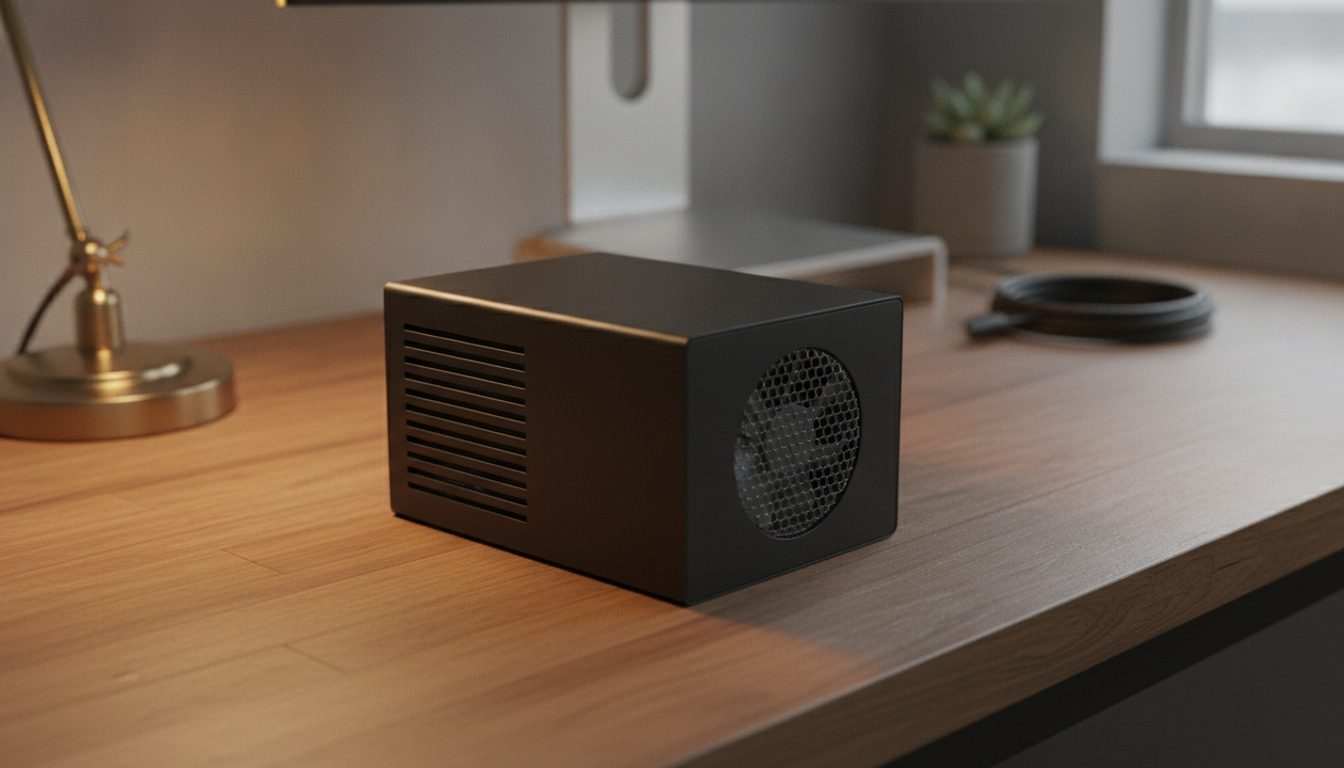
Quick Answer: As of October 2026 a Raspberry Pi 5 does not need a cooler to avoid damage. Raspberry Pi's documentation says built-in throttling protects the chip, slowing the CPU between 80 and 85°C. A cooler is worth fitting for sustained heavy load, overclocking or a closed case. The official Active Cooler is a clip-on heatsink with a temperature-controlled fan, and its default fan curve starts at 50°C.
The answer depends on how you use the board. Raspberry Pi's documentation and its Pi 5 product page stress different points, so this post sets out both, then shows the fan curve and when to skip a cooler. For the board itself, see our Raspberry Pi 5 post. The older board is covered in does a Raspberry Pi 4 need a fan.
Does a Raspberry Pi 5 need a cooler?
Not to stay undamaged, but it helps performance. The documentation says that thanks to built-in throttling, heatsinks are not necessary to prevent overheating damage to the chip, and that a heatsink or small fan can reduce throttling and improve performance. The Pi 5 product page, read in October 2026, says the board is faster than earlier models and will perform best with active cooling.
The Pi 5 product brief, published October 2026, lists an operating temperature of 0°C to 70°C. It also says that a case used with the board should not be covered, and that the board should run in a well-ventilated place.
What happens when a Raspberry Pi 5 gets too hot?
It slows itself down. The documentation says the chip's temperature limit is 85°C on all models. Between 80°C and 85°C the Arm cores are progressively throttled back, and at 85°C both the cores and the GPU are throttled. Hitting the limit is a performance loss, not damage.
Check the temperature with this command, which the documentation lists:
vcgencmd measure_tempOur post on finding GPU and CPU temperatures covers more ways to read it. Take readings while the board does your real workload, not at idle.
What cooling options does the Raspberry Pi 5 have?
There are three: nothing, a heatsink or small fan, or an official fan. The documentation names two official fan options, and the Pi 5 fan connector is a four-pin JST-SH socket for PWM fans.
| Option | What the sources say |
|---|---|
| No cooler | Throttling protects the chip from damage; the board may run slower under load |
| Active Cooler | Clip-on aluminum heatsink with a temperature-controlled blower fan; spring-loaded push pins; 5V from the fan header; up to 1.09 CFM and 8000 RPM; Raspberry Pi advises not removing it once fitted; recommended for overclocking |
| Case for Raspberry Pi 5 | Clip-together case with a built-in fan; the case fan draws about 60 mA at 5V |
If you want to go beyond that, our post on Raspberry Pi water cooling covers a heavier setup. For most single boards the two official options are enough.
How does the Raspberry Pi 5 fan curve work?
The firmware turns an official fan on and off by the chip's temperature. The frequency management page gives the default mapping, with a 5°C hysteresis when the temperature falls.
| Temperature | Fan speed |
|---|---|
| Under 50°C | Off |
| 50°C | 30% |
| 60°C | 50% |
| 67.5°C | 70% |
| 75°C | 100% |
You can change the temperatures with the fan_tempN, fan_tempN_hyst and fan_tempN_speed settings. For example, adding dtparam=fan_temp0=55000 to /boot/firmware/config.txt keeps the fan off until 55°C.
When is no cooler the right choice?
Skip the cooler when the board does light or occasional work at stock speed in open air. A short spike toward 80°C matters less than a workload that holds the board there. Add a cooler when your normal workload holds the temperature near that line, when the board sits in a closed case, or when you overclock.
On overclocking, the documentation recommends the Active Cooler and warns that some overclock settings set a permanent bit in the chip that records the change. See the overclocking options page first.
Frequently asked questions
Does the Raspberry Pi 5 need a heatsink or fan?
The documentation says a heatsink is not necessary to prevent overheating damage, though it can improve performance by reducing throttling. The Pi 5 product page says the board performs best with active cooling.
How hot is too hot for a Raspberry Pi 5?
Throttling starts between 80°C and 85°C, and the chip's limit is 85°C. Reaching it slows the board rather than damaging it, according to the documentation.
Where does the Raspberry Pi 5 fan plug in?
Into the four-pin JST-SH fan connector, which sits between the 40-pin header and the USB 2.0 ports. The pins are +5V, PWM, ground and tachometer.
Can I use the Raspberry Pi 4 case fan on a Pi 5?
The documentation describes the Pi 4 Case Fan as powered from the 40-pin header and names only the Active Cooler and the Case for Raspberry Pi 5 as official Pi 5 fans. Check the connector of any other fan.
How do I check my Raspberry Pi 5 temperature?
Run vcgencmd measure_temp in a terminal while the board is under your normal load.
Can I change when the Raspberry Pi 5 fan turns on?
Yes. The fan_temp0 style settings in config.txt change the temperature, hysteresis and speed. Setting dtparam=fan_temp0=55000 keeps the fan off until 55°C.
Should I remove the Active Cooler once it is fitted?
Raspberry Pi's product page recommends that the Active Cooler is not removed once fitted to a Raspberry Pi 5.